

A predictive maintenance platform that creates alerts in its own dashboard is only half useful. The maintenance team lives in their CMMS — SAP PM, IBM Maximo, Fiix, or whatever system owns the work order queue. If PdM alerts don't land there, they compete for attention with everything else on a technician's screen, and they lose. Getting the integration architecture right is often the difference between a PdM program that changes maintenance behavior and one that generates reports nobody reads.
The Integration Should Be Bidirectional, Not Just a Push
Most PdM vendors describe their CMMS integration as "work order push" — the platform creates a work order in your CMMS when it detects an anomaly. That's the minimum viable integration. What matters more in the long run is the feedback path back from the CMMS to the PdM platform.
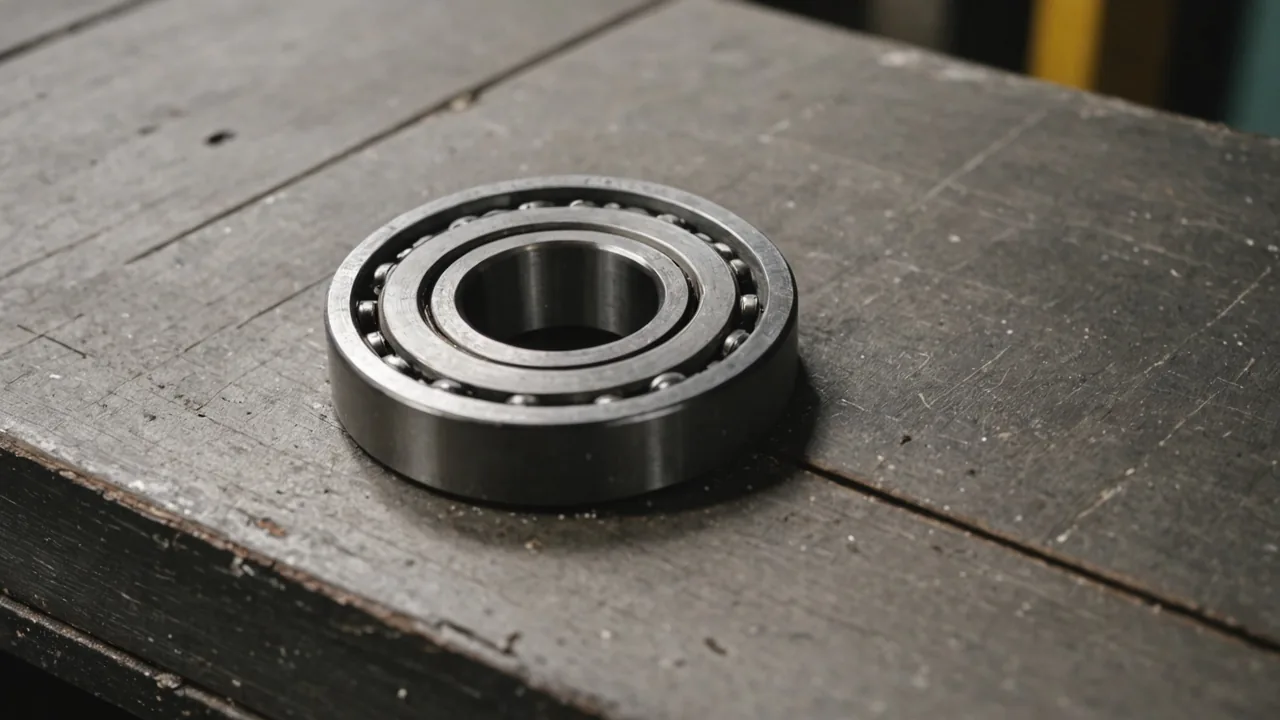
When a technician closes a work order in SAP PM or IBM Maximo and records what they actually found — "replaced outer race bearing, confirmed pitting on inner ring" — that actuals data is the ground truth the PdM model needs to improve. Without it, the model can't verify whether its failure mode classification was correct, and it can't tighten its TTF window estimates based on real degradation rates. A PdM system that doesn't receive closure data is learning in the dark.
In our integration work, we've found that bidirectional data flow is also what gives maintenance planners confidence in the system over time. When they can open a work order in Fiix, see the Gearcadence failure mode prediction, complete the repair, and then see that prediction confirmed or corrected in the next model update — that closed loop builds the kind of trust that moves a program from "interesting tool" to "core process."
Data Mapping Before You Go Live
The most common integration failure isn't a technical one. It's a data mapping problem that surfaces three weeks after go-live: PdM alerts are landing in the CMMS under the wrong asset ID, creating duplicate records, or missing mandatory fields required to route the work order to the right crew.
Before any integration goes live, spend time aligning on five data fields:
- Asset identifier: Your CMMS asset ID (equipment number in SAP, asset number in Maximo) must match exactly to the asset record in the PdM platform. This sounds obvious. It's wrong in roughly 20–30% of initial setups because the PdM platform was onboarded from an asset list that was slightly out of date relative to the CMMS master data.
- Work order type: PdM-generated work orders should use a specific work order type or category in your CMMS — one that's distinct from routine PMs and reactive repairs. This allows reporting to separate PdM-averted failures from the rest of the maintenance activity and is essential for ROI tracking.
- Priority and urgency fields: Map the PdM platform's risk level output (high / medium / low, or the TTF window) to your CMMS priority coding. A TTF estimate of less than 48 hours should map to your CMMS emergency priority. A 7-day TTF window maps to a planned priority.
- Failure mode classification: If your CMMS supports failure coding (most do — SAP PM uses Notification types, Maximo uses Failure Class), populate the failure code from the PdM classification automatically. This builds a coded failure history over time that becomes a valuable maintenance analytics dataset.
- Recommended action and parts list: Populate the work order description or task list with the recommended corrective action and any parts the PdM platform suggests. Technicians who open a work order and see "replace outer race bearing, likely BPFO defect, bearing P/N listed" are more efficient than technicians who open a vague "anomaly detected" record and have to diagnose from scratch.
API vs. Native Connector vs. File-Based Integration
The integration method depends on what your CMMS supports and your IT team's appetite for custom development. Three approaches in descending order of preference:
REST API integration is the fastest and most flexible. Both Fiix and most modern Maximo deployments expose documented REST APIs. A PdM platform can call the CMMS API to create and update work orders in near-real-time without batch windows or file transfers. If your CMMS vendor provides a REST API and your PdM platform has a certified connector, use this path.
Native certified connector — for SAP PM specifically, the integration path typically goes through SAP's standard interfaces: BAPI_NOTIF_CREATE for creating PM notifications, or IDoc-based interfaces for higher-volume deployments. Certified connectors abstract the BAPI complexity into a configuration interface. Setup time is typically 1–3 days for a straightforward site with clean asset master data. For SAP S/4HANA environments, OData service consumption is the modern path.
File-based integration is the fallback when API access isn't available or IT won't approve it. Scheduled CSV exports from the PdM platform are picked up by an SFTP drop zone and imported by the CMMS on a timed schedule — typically every 15–30 minutes. It works, but the latency and the brittleness of file format dependencies make it a last resort. If you're on this path, plan to migrate to API-based integration within 18 months as your CMMS upgrades.
Alert Fatigue: The Threshold Problem
A CMMS integration that fires every time any sensor crosses a threshold will overwhelm your maintenance queue within two weeks and train your technicians to ignore PdM work orders. Alert fatigue is the single most common reason PdM programs stall after initial deployment.
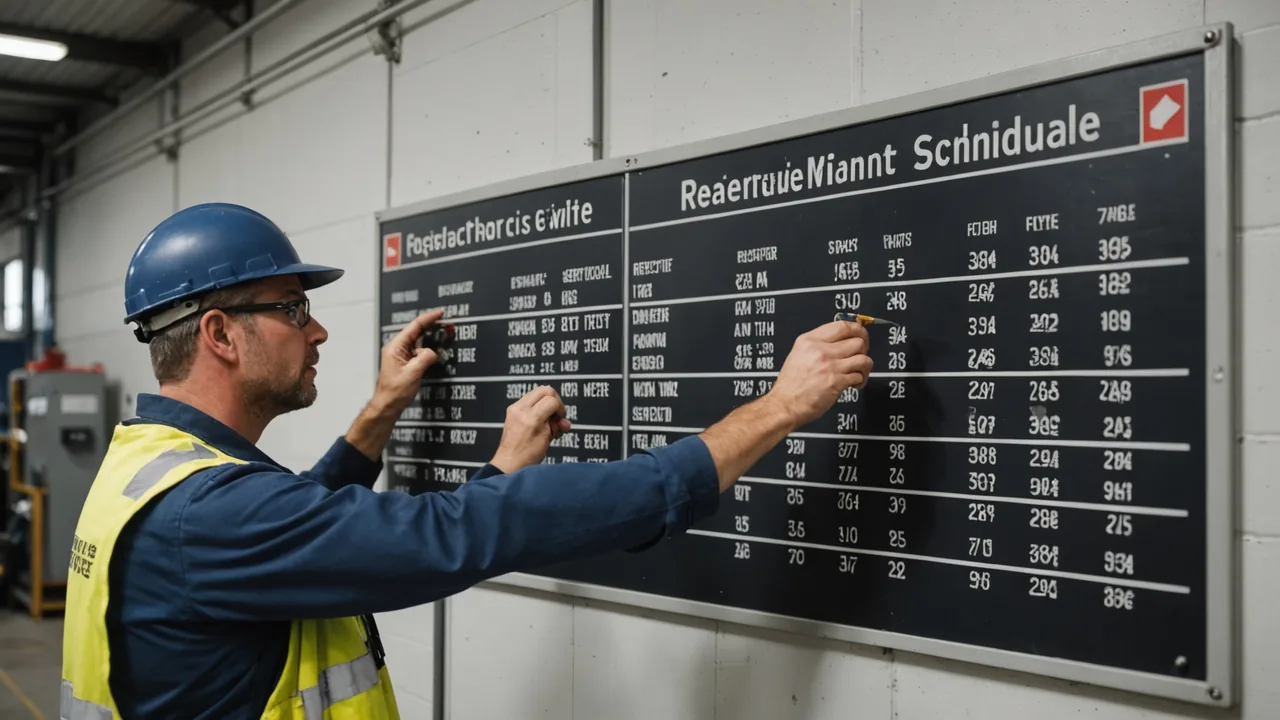
The threshold configuration needs to match your team's capacity. A facility with two maintenance technicians cannot execute 15 PdM work orders per week alongside their existing PM schedule. Before going live, calculate your realistic weekly PdM work order capacity — typically 3–8 for a small team — and set alert thresholds to match. A good starting posture is to instrument your five to ten highest-consequence assets at moderate sensitivity and expand the coverage as you build capacity and confidence.
Gearcadence addresses this through ranked risk scoring rather than binary threshold alerts. The platform surfaces a weekly priority queue of assets sorted by risk level and TTF window, letting the maintenance team choose which alerts to act on based on their schedule and capacity. Technicians don't get a flood of individual notifications — they get a ranked list that fits into their morning standup review.
The goal is not to generate more work orders. The goal is to replace the right reactive work orders with planned ones — at the right frequency for your team to actually execute.
— Lukas Reinhardt, CEO & Co-Founder, Gearcadence
Maintaining Integration Health Over Time
CMMS integrations break. Asset master data gets updated without notifying the PdM team. CMMS upgrades change API endpoint paths. New plants get added and their assets don't get enrolled in the PdM platform. These are maintenance problems for the integration itself, not just the machines it monitors.
Build a quarterly integration health check into your maintenance program: verify asset ID alignment between systems, confirm work orders from the last 90 days have matching closure data flowing back, check that priority mapping hasn't drifted after any CMMS configuration changes. Assign ownership — typically the reliability engineer or the CMMS administrator — so these checks actually happen.
One practical note from experience: keep a simple log of every PdM-generated work order that was completed and what the technician found. Even if you don't have a sophisticated CMMS analytics capability, this list is your program validation record. After six months, you should be able to look at that log and see a clear pattern: the system predicted bearing defect failures X weeks before they would have tripped, the corrective work confirmed the prediction, and the failure was avoided. That documentation is also your ROI report — and it's the most credible form of evidence you can present to leadership when it's time to expand the program.